
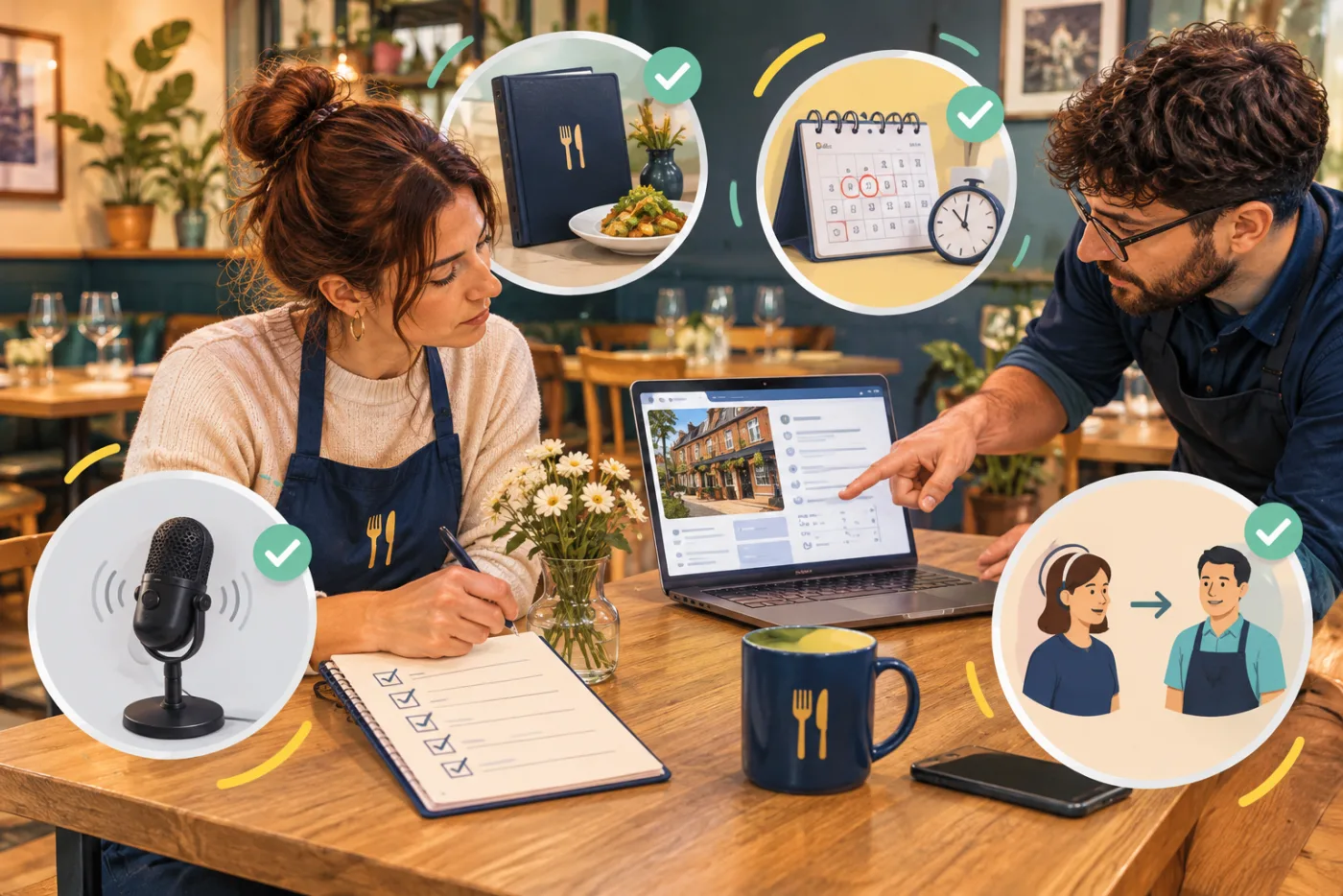
An AI enquiry helper can help a restaurant deal with routine questions by phone or on a website. Start with what the restaurant knows, what staff must decide and how a customer reaches a person—not a list of features.
Prepare a small set of approved answers, map each enquiry to its next step and test awkward cases. This guide uses a restaurant as its example, but the same preparation can help a café or another owner-run business.
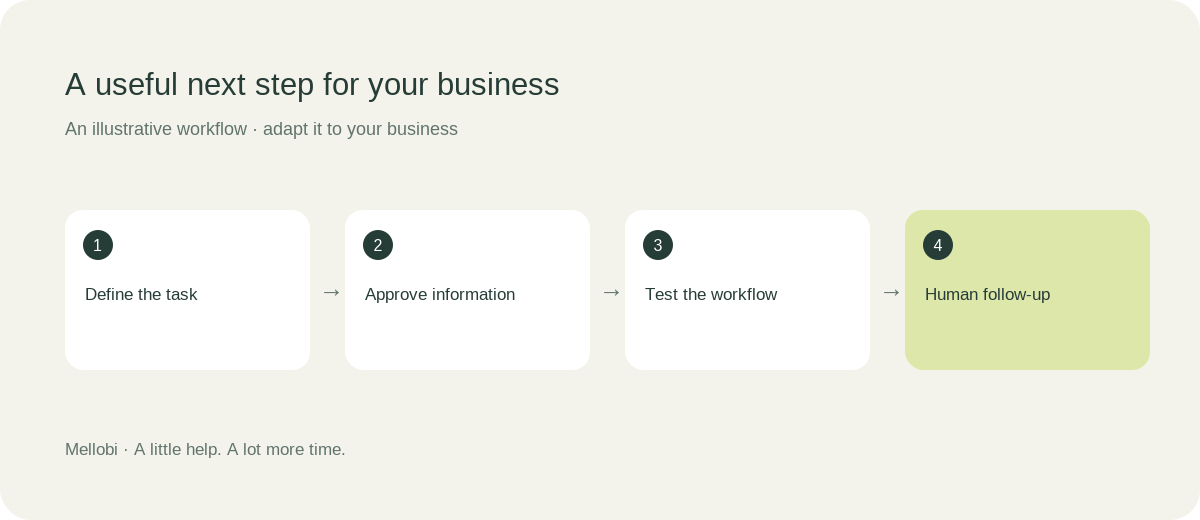
Illustrative process; agree the steps and human confirmation for your own business.
Start with a manageable scope
Write down the questions staff hear most often, such as “Are you open on Monday?”, “Where can I find the menu?” and “Can I book a table?” Sort them into three groups:
- Answer: the response comes from approved, current information, such as published opening hours.
- Collect: the helper takes details staff need to respond, such as a reservation request.
- Pass to a person: the enquiry needs judgement, a conversation or information the helper cannot reliably check.
Begin with a few routine questions rather than every eventuality. Agree what the helper should say when information is missing, someone asks for a person or the restaurant cannot respond immediately.
Decide where it will be used. A phone conversation needs a clear spoken route to staff; a website enquiry needs an equally clear contact route. Check what the proposed setup supports before designing the workflow around it.
Prepare dependable opening times
Create an approved schedule for the person setting up the helper. For each day, record opening and closing times, breaks between services, kitchen hours and last orders. Include separate takeaway or delivery hours where relevant. Make clear whether a time means the doors open or food service begins.
Add bank holidays, private events, seasonal changes and temporary closures, with the dates on which they apply. If the information does not cover a future date, the helper should not assume normal hours apply; it should direct the customer to the team.
Nominate an owner and a backup for the schedule. Record when it was last reviewed and agree how changes reach the helper, website, booking information and public listings. Google’s Business Profile guidance explains how to set regular hours, breaks, special hours and different service hours on its listing. Updating that listing does not replace checking other channels.
Supply a menu you can maintain
Gather approved menus, effective dates and service periods. Label lunch, dinner, takeaway and seasonal menus clearly. Include answers about children’s menus or other options only where the restaurant has confirmed them, and nominate someone to correct errors.
Decide how to handle specials, sold-out dishes and substitutions. If the helper cannot reliably check changes during service, it should not claim that a particular dish is available. It can direct customers to the latest menu or a staff member who can check. A published menu does not necessarily establish what remains available tonight.
If the helper gives prices, provide current figures and identify unavoidable charges. The Competition and Markets Authority’s price guidance says total prices should normally include mandatory charges. Where a total cannot reasonably be calculated in advance, consult its guidance on giving customers the information needed to work it out. Check how it applies to your offer.
When a menu changes, remove the superseded version from the approved material. Test questions about an added dish, a removed dish and the relevant service period.
Route allergen questions to staff
Set a firm boundary: the helper must not guess ingredients, cross-contact risks or whether a dish is safe for a particular guest. Direct allergy and intolerance questions to a trained person using the restaurant’s current allergen information. This handover is an extra safeguard, not a replacement for the restaurant’s food-information processes.
Illustrative response: “Please speak to our team before ordering about your allergen question. I cannot confirm whether a dish is suitable.”
Provide a contact route that works for the time of day. If a message has not reached staff, do not imply that it has.
The Food Standards Agency’s technical guidance distinguishes legal requirements from best practice and applies to England, Wales and Northern Ireland. It says mandatory allergen information must be accurate, available and easily accessible. Its best-practice guidance for non-prepacked food recommends written information supported by a conversation. Check the guidance applicable to your location and seek advice on your circumstances where needed.
Map reservation requests from start to finish
Decide what staff need to consider a request: usually a date, preferred time, party size, name and suitable contact method. Agree how to clarify phrases such as “this Saturday”, and how to deal with changes, cancellations and larger groups. Ask only for information needed for the next step.
Trace the request beyond the conversation. Where does it go? Who checks it, and when? Does a proposed booking-system connection confirm a reservation or merely pass on a request? If staff use a shared inbox, give someone ownership of outstanding requests.
Illustrative response: “I can pass on your request for Saturday at 7pm for four people. The restaurant will need to confirm whether a table is available.”
A request is not a confirmed reservation until the restaurant or its existing booking system confirms it. The helper should only say it has passed a request on if the agreed delivery process has worked.
Do not assume live availability. If you want a connection to an existing system, establish what it can exchange and test the result with the people who manage bookings.
Make the human handover work
Use one plan for reservations, allergen enquiries, complaints, accessibility questions and anything outside the approved answers:
- Triggers: list what goes to a person, and let customers request one even for a routine question.
- Coverage: name a primary contact and backup, their response hours and a realistic response window.
- Delivery: specify how enquiries reach staff, what information they receive and how someone acknowledges responsibility.
- Failure and out-of-hours: decide what customers hear if a contact, inbox or connection is unavailable. Offer another route rather than implying a failed message was delivered.
- Follow-through: decide where outstanding requests are tracked and who checks them. For urgent matters, give a direct contact route rather than relying on an unattended message.
Walk through the plan with staff who will use it during service. Check that it works when the named contact is serving customers or has finished a shift.
Check data and connections before activation
List the personal information the workflow needs, why it is needed and where it will go. A reservation request may need a name and contact method; routine messages do not automatically need payment-card details or detailed health information. The ICO’s guide for small organisations covers collecting only what is needed, identifying a lawful basis, security and telling people how their information is used.
Ask a prospective supplier and record the answers:
- Are calls recorded or transcribed? If so, when, where and why? What will users be told about the AI helper and the use of their information, and how can they access privacy information?
- Who can access enquiries, recordings and transcripts? Where are they stored, how long are they retained and how are they deleted?
- Does any provider reuse information to train models or for another purpose? Can that use be restricted, and what does the agreement say?
- How would allergy-related health information be handled if volunteered? Can the workflow avoid unnecessary detail and route the person safely to staff?
- Who handles data requests, security incidents and supplier changes? What happens to information if the service ends?
These are checks to make with the supplier and, where appropriate, your adviser; answers alone do not guarantee compliance. Consider the sensitivity of the information and everyone’s responsibilities before activation.
For each proposed phone, website or booking connection, ask whether it is included or needs separate work, who controls access, and what happens during an outage or if you stop using the service. Agree scope, setup responsibilities, ongoing care, change procedures and commercial terms in writing. Treat a connection as something to assess, not a feature already in place.
Test the conversation and the workflow
Before launch, ask a staff member who did not prepare the answers to act as a customer. Include a split opening day, bank holiday closure, removed menu item, allergen question and ambiguous reservation request. Check both the response and what staff actually receive.
For voice, make test calls with realistic restaurant background noise. Use a name that could be misheard and a date that could be confused with another. Check that the helper asks for clarification and repeats critical details for correction. Make sure callers can discover they are speaking to AI and can reach a person when speech is misunderstood. Test that route when staff are available and when they are not.
Simulate a failed handover or unavailable connection, then check the fallback from the customer’s perspective. Correct the source information or workflow and repeat failed tests. A natural-sounding conversation is not enough: the answer, route to staff and account of what happened must also be right.
After launch, review a sample of enquiries and unresolved handovers in line with agreed privacy arrangements. Assign an owner and review schedule for hours, menus, contacts and escalation rules. Check again before holidays, menu changes and changes in staff responsibility.
Why Mellobi
Mellobi digital helpers offer small, practical digital help for owner-run businesses, with scope, setup and ongoing care agreed before activation. Starting points include help with business calls and website enquiries; more complicated requests are passed to an agreed human contact. Booking requests still need confirmation by the business or its existing booking system.
The team can discuss connections to existing tools and a separately scoped custom workflow. To explore what a suitable setup might look like for your restaurant, ask for an example or contact the team.